老师,请帮忙看下,还有要优化的吗?
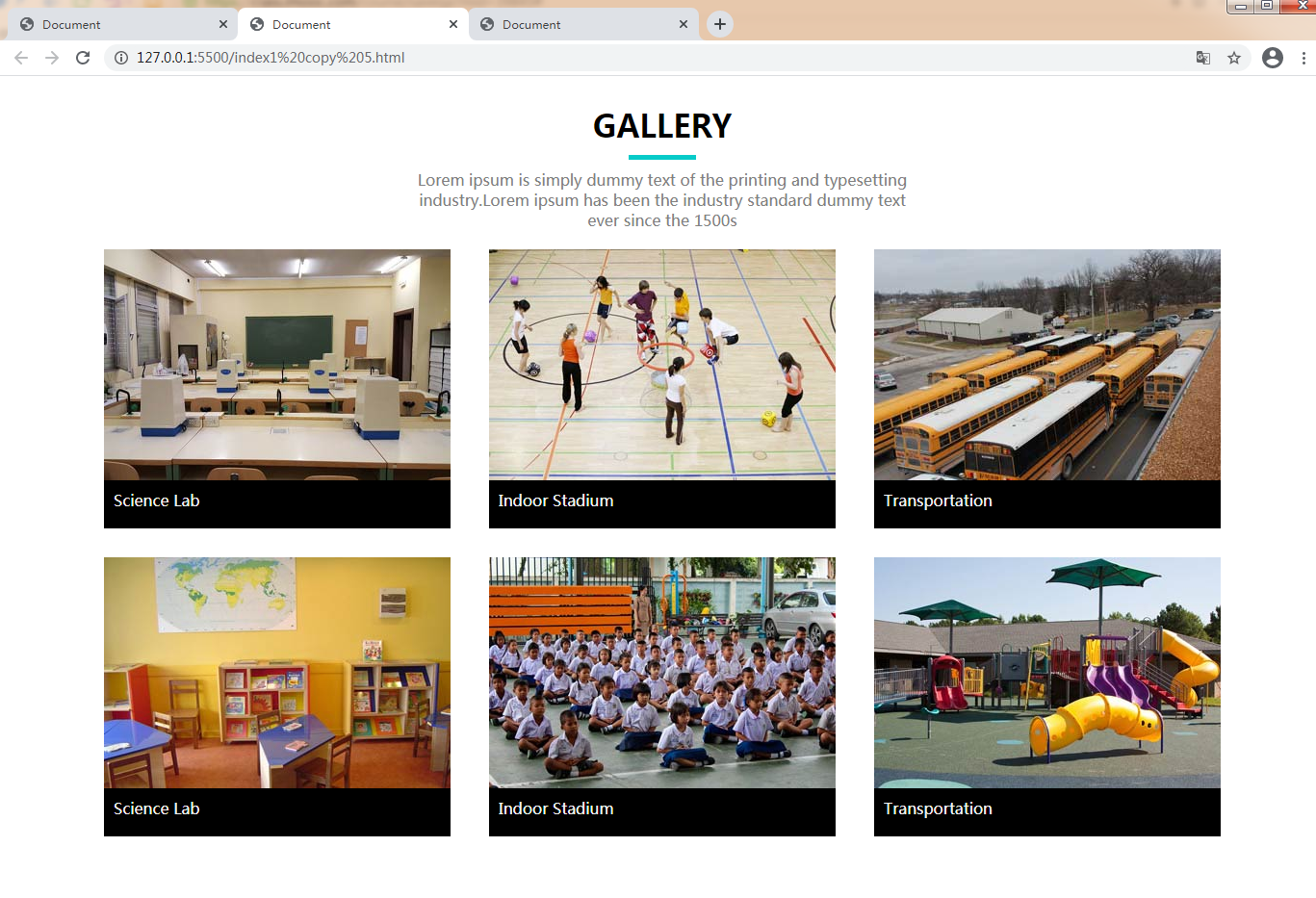
相关代码:
<!DOCTYPE html>
<html lang="en">
<head>
<meta charset="UTF-8">
<meta name="viewport" content="width=device-width, initial-scale=1.0">
<title>Document</title>
<style>
* {
margin: 0;
padding: 0;
}
.content .title {
padding-top: 30px;
}
.content .title h1 {
text-align: center;
}
.content .hg {
width: 70px;
height: 5px;
background-color: #07cbc9;
margin: 0 auto;
margin-top: 10px;
}
.content .wenzi {
margin-top: 10px;
}
.content .wenzi p {
text-align: center;
color: gray;
width: 510px;
margin: 0 auto;
}
.content .main-content {
width: 1160px;
height: 613px;
/* background-color: thistle; */
margin: 0 auto;
padding: 20px;
}
.content .main-content .top {
width: 1160px;
height: 290px;
/* background-color: green; */
margin-bottom: 30px;
}
.content .main-content .bottom {
width: 1160px;
height: 290px;
/* background-color: greenyellow; */
}
.sam {
float: left;
margin-right: 40px;
}
.block {
display: block;
}
.content .main-content .top .img-3,
.content .main-content .bottom .img-6 {
margin-right: -40px;
}
.yangshi {
height: 30px;
background-color: black;
color: whitesmoke;
padding: 10px;
}
</style>
</head>
<body>
<div class="content">
<!-- 标题 -->
<div class="title">
<h1>GALLERY</h1>
</div>
<!-- 横杠 -->
<div class="hg"></div>
<!-- 文字 -->
<div class="wenzi">
<p>Lorem ipsum is simply dummy text of the printing and typesetting industry.Lorem ipsum has been the
industry standard dummy text ever since the 1500s</p>
</div>
<!-- 主体内容 -->
<div class="main-content">
<!-- 上面的图文 -->
<div class="top">
<div class="img-1 sam">
<img class="block" src="/images_stars/03-01.jpg" alt="">
<p class="yangshi">Science Lab</p>
</div>
<div class="img-2 sam">
<img class="block" src="/images_stars/03-02.jpg" alt="">
<p class="yangshi">Indoor Stadium</p>
</div>
<div class="img-3 sam">
<img class="block" src="/images_stars/03-03.jpg" alt="">
<p class="yangshi">Transportation</p>
</div>
</div>
<!-- 下面的图文 -->
<div class="bottom">
<div class="img-4 sam">
<img class="block" src="/images_stars/03-04.jpg" alt="">
<p class="yangshi">Science Lab</p>
</div>
<div class="img-5 sam">
<img class="block" src="/images_stars/03-05.jpg" alt="">
<p class="yangshi">Indoor Stadium</p>
</div>
<div class="img-6 sam">
<img class="block" src="/images_stars/03-06.jpg" alt="">
<p class="yangshi">Transportation</p>
</div>
</div>
</div>
</div>
</body>
</html>
正在回答

同学你好,代码中有如下问题可优化:
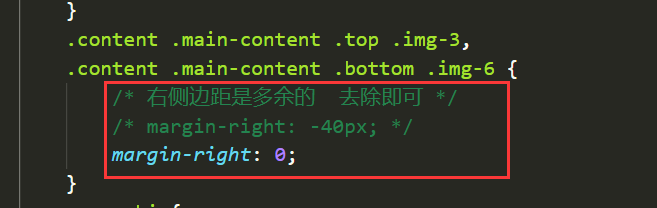
1、每排最后一个元素,只需要将右侧的边距设置为0即可,没必要设置负值,如下:
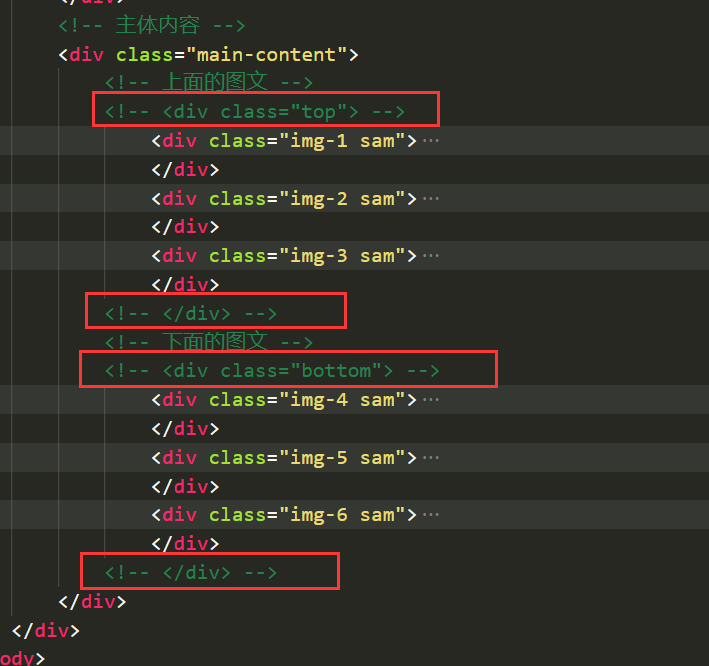
2、整体布局可做如下优化:
6组图文的结构是一样的,实际开发中,会将6组内容放在一个父元素中,不用分成上下两部分,如下:
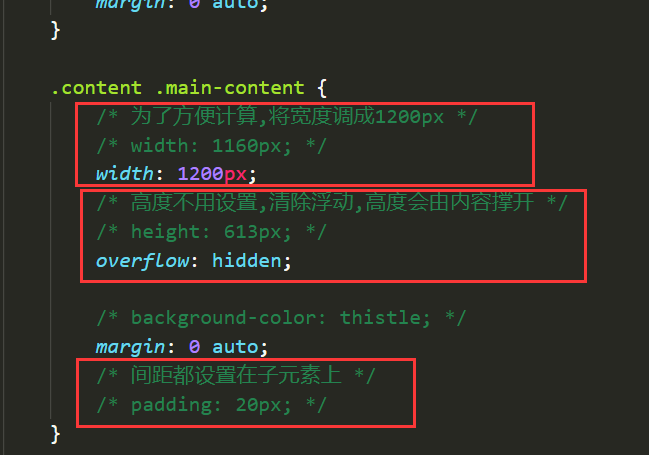
然后统一设置6组图文的样式即可:
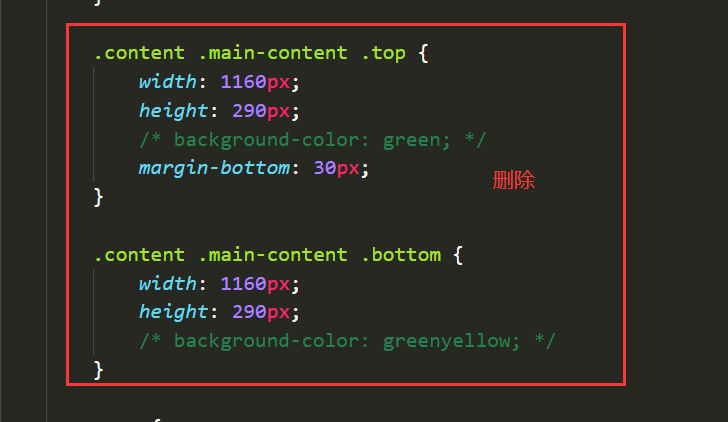
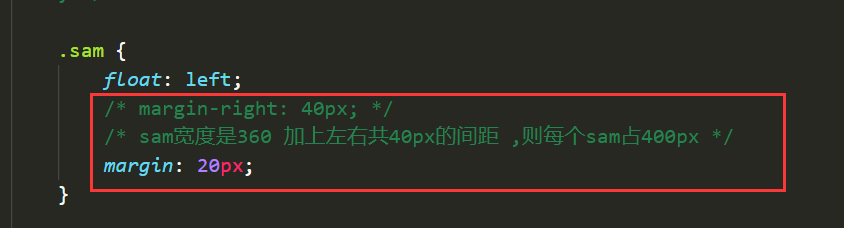
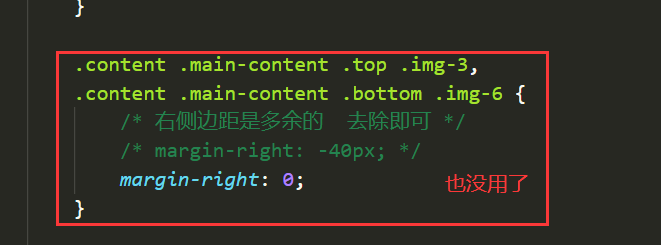
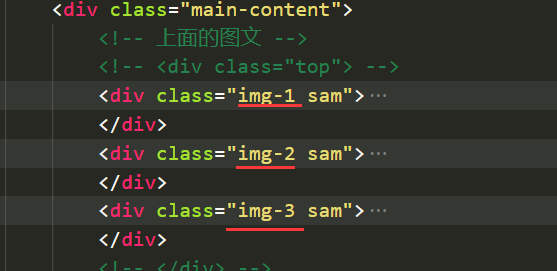
结构上,多余的类名也可以删除:
3、路径建议不要写成“/”开头:
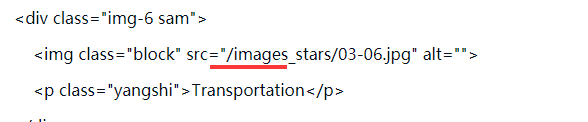
原因是“/”是相对于根路径来寻找图片的,“/images_stars/03-06.jpg”这个地址实际对应的路径是“http://127.0.0.1:5500/images_stars/03-06.jpg”(根路径是http://127.0.0.1:5500),如果老师的目录结构与同学的不一样,会造成找不到图片而报错,例如:
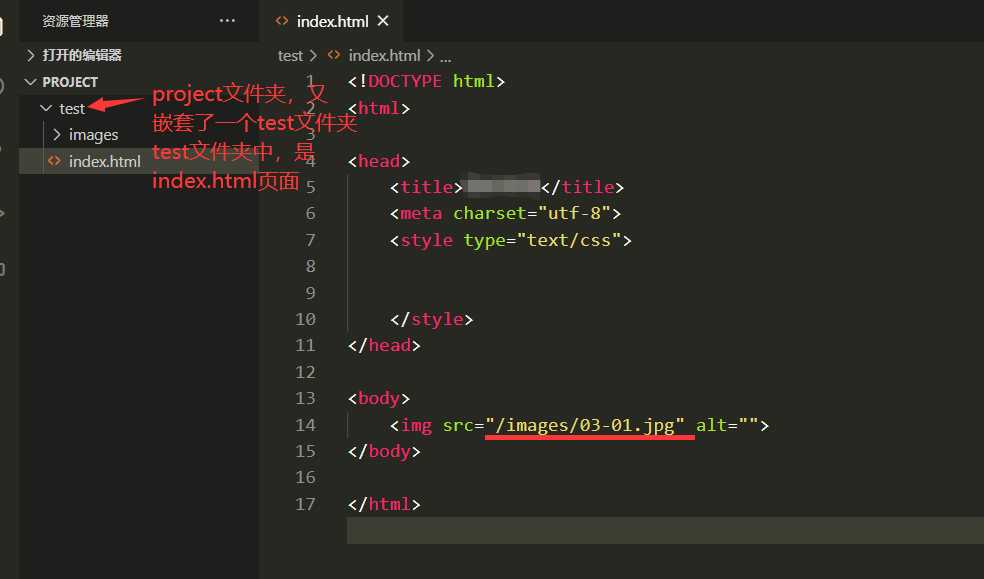
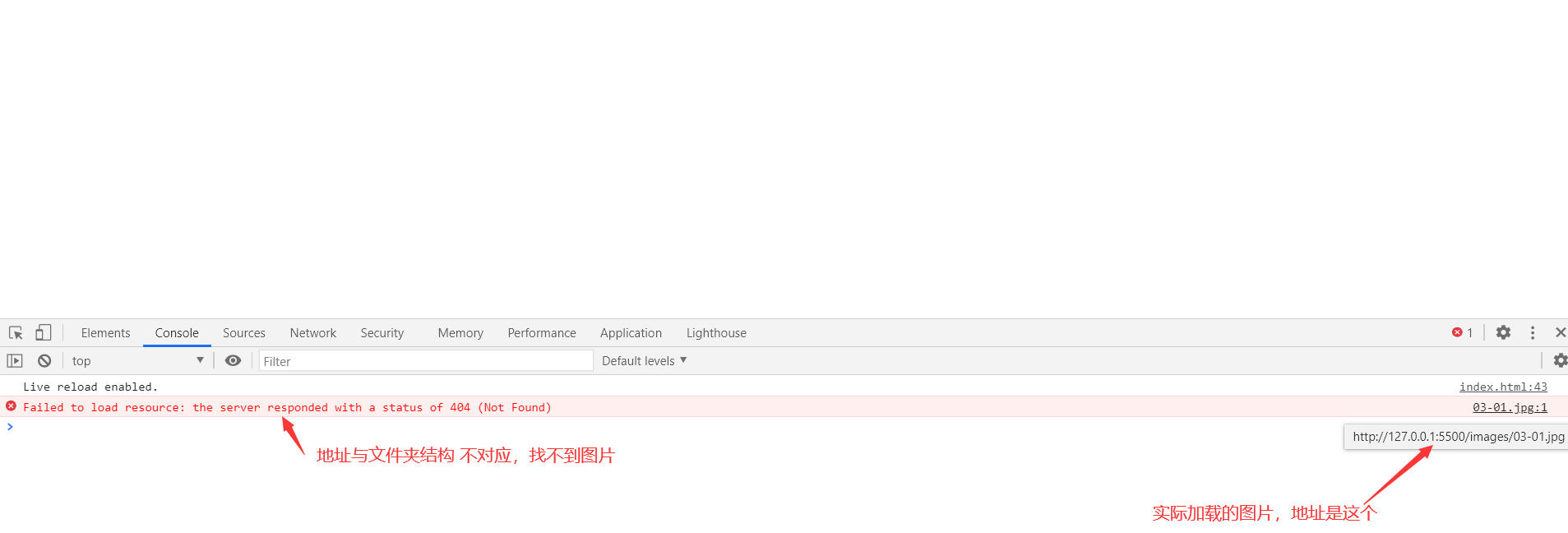
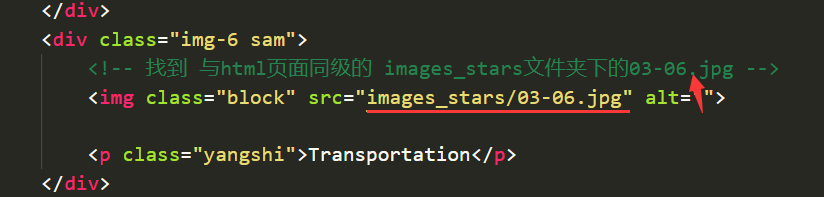
所以建议改成相对路径,如下:
祝学习愉快!
相似问题







登录后可查看更多问答,登录/注册














恭喜解决一个难题,获得1积分~
来为老师/同学的回答评分吧
0 星