正在回答 回答被采纳积分+1
1回答

好帮手慕小明
2021-12-10 11:39:13
同学您好,
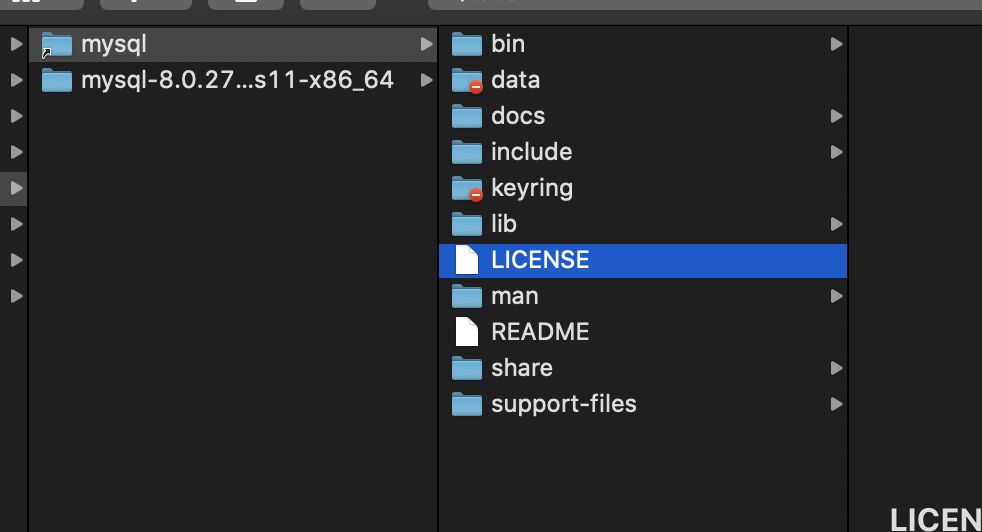
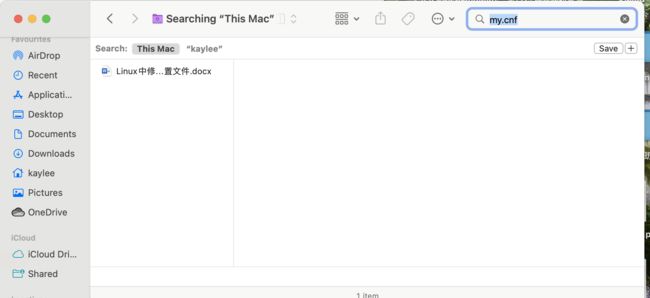
1、Mac中配置文件是my.cnf,不是my.ini,但MySQL安装后默认没有my.cnf 文件,如果想配置该文件可以参考如下内容:
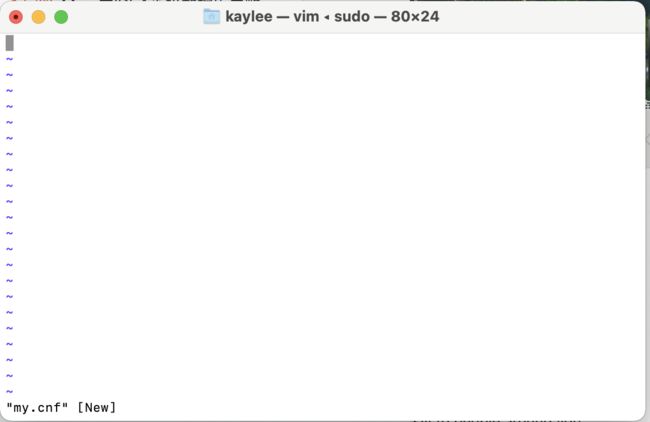
1)在终端输入cd /etc,进入到 /etc文件夹下,然后在 /etc 新建 my.cnf 文件,使用命令:sudo vim my.cnf
2、将如下配置内容写入到文件中
[client]
default-character-set=utf8
#password   = your_password
port        = 3306
socket      = /tmp/mysql.sock
[mysqld]
character-set-server=utf8
init_connect='SET NAMES utf8
port =3306
socket = /tmp/mysql.sock
skip-external-locking
key_buffer_size = 16M
max_allowed_packet = 1M
table_open_cache = 64
sort_buffer_size = 512K
net_buffer_length = 8K
read_buffer_size = 256K
read_rnd_buffer_size = 512K
myisam_sort_buffer_size = 8M
character-set-server=utf8
init_connect='SET NAMES utf8'
#skip-networking
log-bin=mysql-bin
binlog_format=mixed
server-id = 1
# server-id = 2
# The replication master for this slave - required
#master-host = <hostname>
# The username the slave will use for authentication when connecting
# to the master - required
#master-user = <username>
# The password the slave will authenticate with when connecting to
# the master - required
#master-password = <password>
# The port the master is listening on.
# optional - defaults to 3306
#master-port = <port>
# binary logging - not required for slaves, but recommended
#log-bin=mysql-bin
# Uncomment the following if you are using InnoDB tables
#innodb_data_home_dir = /usr/local/mysql/data
#innodb_data_file_path = ibdata1:10M:autoextend
#innodb_log_group_home_dir = /usr/local/mysql/data
# You can set .._buffer_pool_size up to 50 - 80 %
# of RAM but beware of setting memory usage too high
#innodb_buffer_pool_size = 16M
#innodb_additional_mem_pool_size = 2M
# Set .._log_file_size to 25 % of buffer pool size
#innodb_log_file_size = 5M
#innodb_log_buffer_size = 8M
#innodb_flush_log_at_trx_commit = 1
#innodb_lock_wait_timeout = 50
[mysqldump]
quick
max_allowed_packet = 16M
[mysql]
no-auto-rehash
# Remove the next comment character if you are not familiar with SQL
#safe-updates
default-character-set=utf8
[myisamchk]
key_buffer_size = 20M
sort_buffer_size = 20M
read_buffer = 2M
write_buffer = 2M
[mysqlhotcopy]
interactive-timeout
3) 保存my.cnf文件命令:":wq!"
4) 修改my.cnf的文件权限:sudo chmod 664 /etc/my.cnf
5) 重启mysql后,配置文件就可以生效了
祝同学学习愉快~
相似问题







登录后可查看更多问答,登录/注册
2023版Java工程师
- 参与学习 人
- 提交作业 8813 份
- 解答问题 9886 个
综合就业常年第一,编程排行常年霸榜,北上广深月薪过万! 不需要基础,无需脱产即可学习,只要你有梦想,想高薪! 全新升级:技术栈升级(包含VUE3.0,ES6,Git)+项目升级(前后端联调与功能升级)
了解课程










恭喜解决一个难题,获得1积分~
来为老师/同学的回答评分吧
0 星